Most computer users accept mediocre audio quality without realizing how much they’re missing. The built-in audio components in standard computers struggle with limited dynamic range, electromagnetic interference, and poor power delivery that degrades sound quality across music, movies, and virtual calls. These limitations result in muddy bass, unclear dialogue, and lost sonic details that premium peripherals can recover.
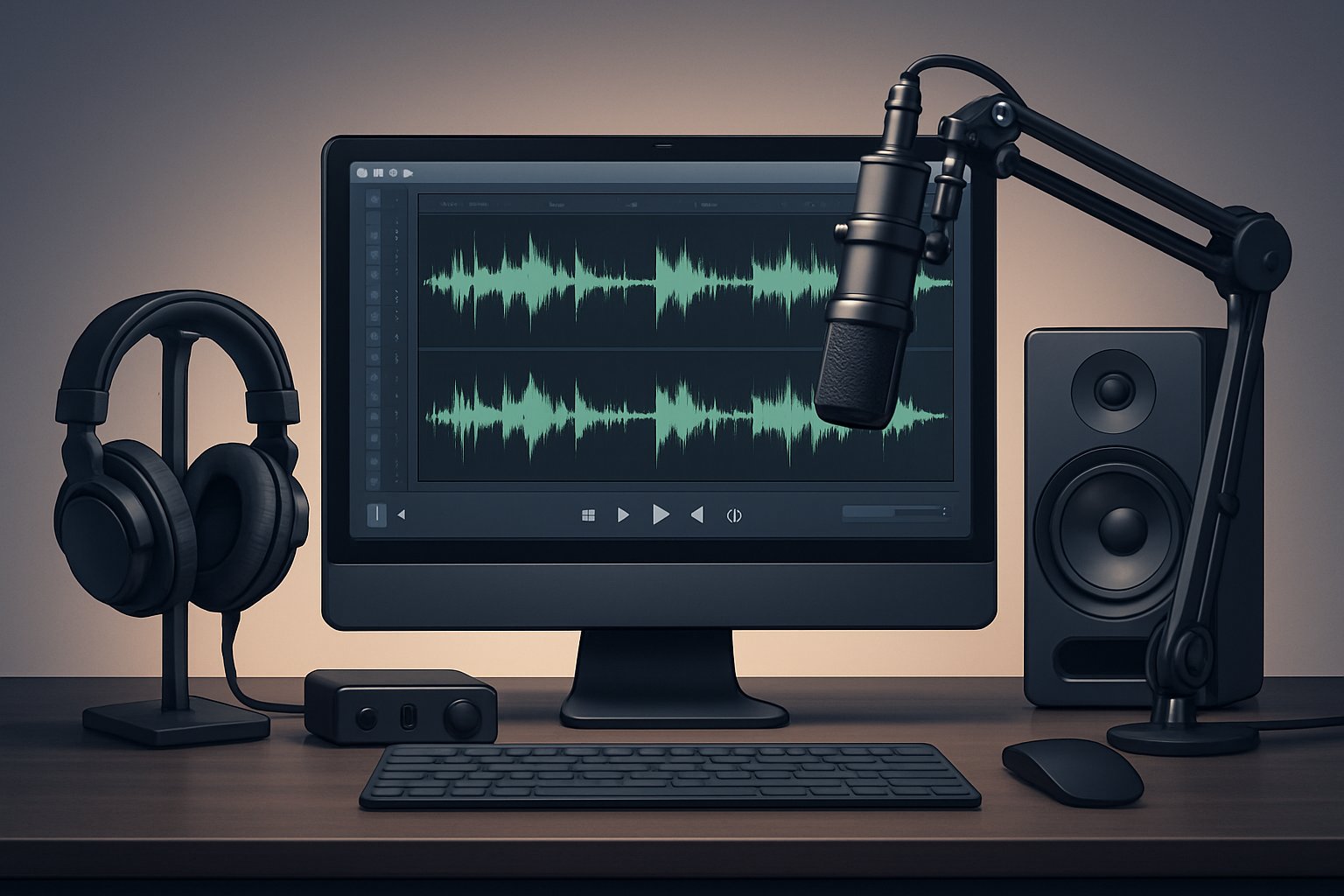
Upgrading to studio headphones, external DACs, and professional microphones transforms computer audio from acceptable to exceptional, revealing layers of sound that built-in components simply cannot reproduce. An external DAC bypasses the computer’s basic digital-to-analog converter and electromagnetic interference, while studio headphones deliver accurate frequency response across the entire sound spectrum. Professional microphones capture voice with clarity that eliminates the muffled, distant quality of built-in laptop mics.
The investment in quality audio peripherals pays dividends in every listening experience. Users report hearing instruments in music they never knew existed, understanding every word in video calls without asking people to repeat themselves, and experiencing immersive gaming audio that provides competitive advantages. The difference between basic and premium audio equipment becomes immediately apparent once listeners make the switch.
Key Takeaways
- Built-in computer audio components suffer from electromagnetic interference, limited power delivery, and basic DACs that compromise sound quality
- External DACs, studio headphones, and professional microphones bypass these limitations to deliver accurate, detailed audio reproduction
- Premium audio peripherals improve music listening, virtual communication clarity, and entertainment experiences by revealing previously hidden sonic details
Why Built-In Audio Falls Short
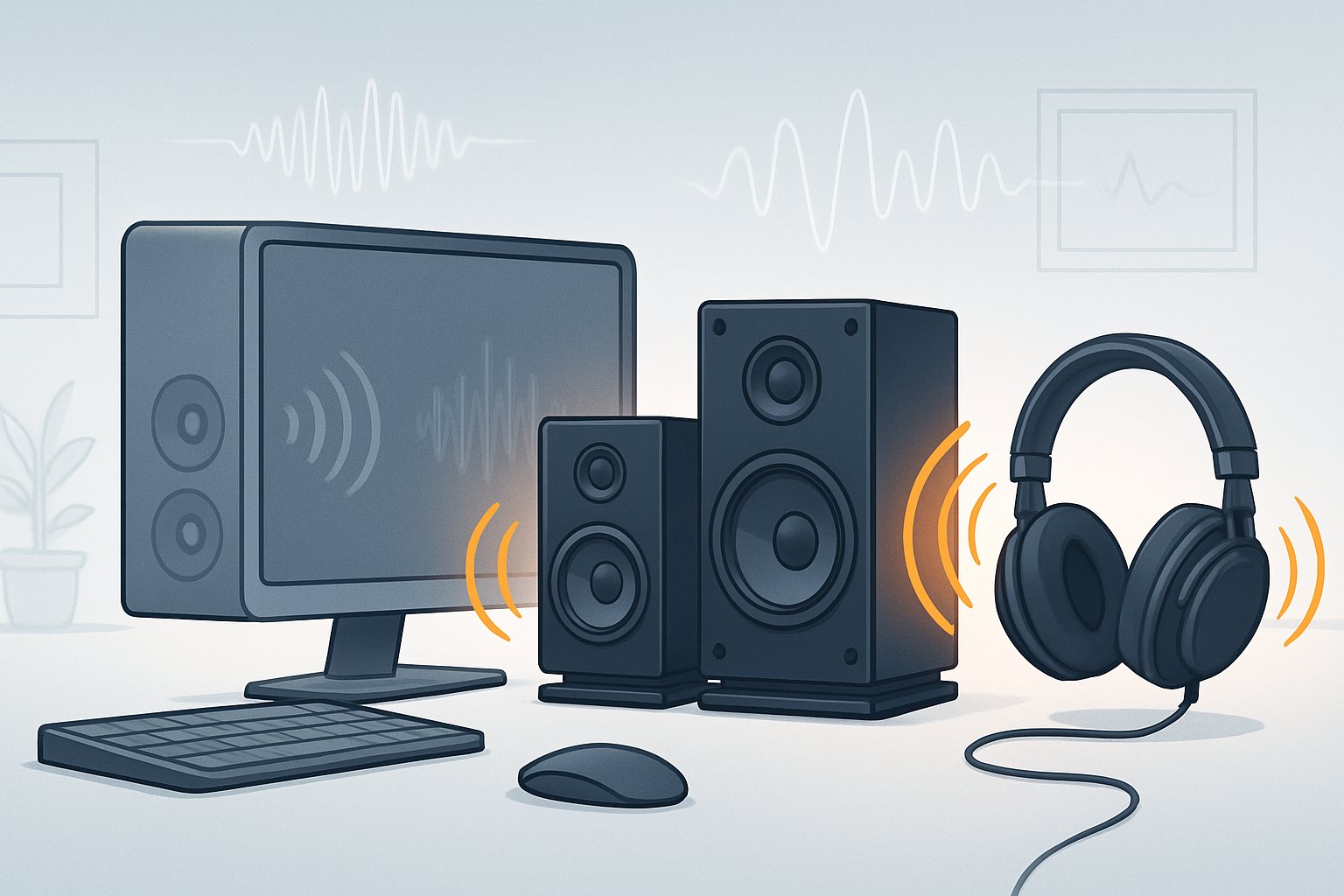
Integrated audio solutions compromise sound quality through hardware limitations, electrical interference from nearby components, and inadequate power delivery that fails to drive quality headphones properly.
Limitations of Integrated Sound Cards
Built-in sound cards use budget digital-to-analog converters that struggle to reproduce the full dynamic range of modern audio content. Most motherboard audio chipsets operate at 16-bit or 24-bit depth with sampling rates capped at 96kHz, which technically meets baseline standards but lacks the headroom needed for professional work or critical listening.
The components themselves are cost-optimized rather than performance-optimized. Manufacturers allocate minimal PCB space to audio circuitry, resulting in compressed layouts that sacrifice signal integrity. Capacitors and op-amps used in integrated solutions typically fall into lower quality tiers compared to dedicated audio hardware.
Audio drivers for built-in sound cards often lack advanced features like proper ASIO support or low-latency monitoring. These software limitations compound the hardware deficiencies, creating bottlenecks in audio processing that become apparent during real-time recording or playback of high-resolution files.
Impact of Electromagnetic Interference
Computer components generate electromagnetic fields that directly interfere with analog audio signals on motherboards. Graphics cards, CPU voltage regulators, and RAM modules produce electrical noise that bleeds into nearby audio traces, manifesting as hissing, buzzing, or clicking sounds during playback.
The proximity of high-frequency digital circuits to audio pathways creates cross-talk that degrades signal-to-noise ratios. Built-in DACs sit millimeters away from switching power supplies and data buses operating at gigahertz speeds. This electromagnetic interference cannot be fully eliminated through shielding when components share the same circuit board.
Ground loops form when multiple components share common electrical pathways, introducing unwanted voltages into the audio output. The resulting noise floor masks quiet details in music and makes recordings sound muddy or contaminated with artifacts that external audio solutions effectively eliminate through physical isolation.
Impedance Mismatching and Signal Degradation
Integrated audio outputs provide weak amplification designed for high-impedance earbuds rather than studio-grade headphones. Most motherboard audio delivers only 30-50 milliwatts of power, insufficient to properly drive headphones rated above 80 ohms. This power deficiency results in thin, quiet sound that lacks bass response and dynamic punch.
The output impedance of built-in audio typically ranges from 10-50 ohms, creating damping factor issues when paired with low-impedance headphones. This impedance mismatch alters frequency response, particularly in the bass region where driver control becomes compromised. The electrical interaction between mismatched impedances causes signal reflections that color the sound.
Built-in audio lacks dedicated headphone amplifiers with proper voltage swing capabilities. The underpowered outputs clip easily at higher volumes, introducing distortion that damages both audio quality and potentially the headphones themselves through inadequate current delivery.
Benefits of Premium Computer Sound Peripherals
Premium computer sound peripherals deliver measurable improvements in audio fidelity, communication clarity, and entertainment immersion. These upgrades transform how users hear music, conduct virtual meetings, and experience games or movies.
Achieving Crystal-Clear Audio
Premium audio peripherals eliminate the interference and distortion common in built-in computer audio systems. External DACs bypass the electrical noise inside computer cases, converting digital signals to analog with signal-to-noise ratios exceeding 120dB. Studio headphones use superior driver materials like neodymium magnets and aluminum voice coils to reproduce frequencies from 5Hz to 40kHz with precise accuracy.
Dedicated sound cards provide higher sampling rates of 192kHz and 24-bit depth compared to the standard 48kHz/16-bit of onboard audio. This increased resolution captures subtle details in recordings that compressed formats and basic hardware simply cannot reproduce. Users notice immediate differences in instrument separation, vocal clarity, and spatial positioning.
High-quality headphone amplifiers deliver sufficient power to drive demanding studio headphones without clipping or distortion. They maintain clean amplification across all volume levels, ensuring consistent audio performance whether listening at low background levels or high monitoring volumes.
Enhanced Virtual Communication
Professional microphones capture voice with clarity that built-in laptop microphones cannot match. Condenser microphones with cardioid pickup patterns isolate the speaker’s voice while rejecting background noise and keyboard sounds. This focused audio capture ensures meeting participants hear every word without asking for repetition.
External audio interfaces provide dedicated microphone preamps with adjustable gain controls and real-time monitoring. These features allow users to set optimal input levels that prevent distortion and maintain natural vocal tone. Many professional microphones also include pop filters and shock mounts that eliminate plosive sounds and handling noise.
Better audio quality in virtual communication reduces listener fatigue during extended meetings. Clear voice transmission helps maintain engagement and prevents the misunderstandings that occur when participants struggle to hear through poor audio equipment.
Immersive Entertainment Experience
Premium speakers and headphones reveal sonic details in games, movies, and music that standard equipment masks. Positional audio in games becomes more precise, allowing players to detect enemy footsteps and directional cues with accuracy. Surround sound capabilities create three-dimensional soundstages that place audio elements in specific locations around the listener.
High-fidelity audio systems reproduce the full dynamic range of movie soundtracks, from quiet dialogue to explosive action sequences. Viewers experience the intended audio experience as sound designers and mixers created it in professional studios. Music listeners hear instrument textures, vocal nuances, and production details that compressed streaming through basic speakers obscures.
Advanced audio peripherals support high-resolution audio formats like FLAC and DSD that preserve original recording quality. These formats combined with quality playback equipment deliver an immersive audio experience that approaches live performance fidelity.
Studio Headphones: Upgrade for Authentic Sound
Studio headphones deliver accurate sound reproduction that consumer models can’t match, allowing listeners to hear music and audio content exactly as creators intended. Proper selection involves understanding impedance ratings, driver types, and whether open-back or closed-back designs suit specific needs.
Choosing the Right Headphones
Closed-back studio headphones provide sound isolation by sealing the ear cups, preventing audio leakage during recording sessions or in noisy environments. Open-back models allow air to pass through the ear cups, creating a more natural soundstage but offering minimal isolation.
Impedance matters for matching headphones to audio sources. High-impedance models (250-600 ohms) require dedicated amplification but often deliver superior detail and control. Low-impedance options (32-80 ohms) work directly with computers and mobile devices without additional equipment.
Driver size affects bass response and overall tonal balance. Most studio headphones use 40mm to 50mm dynamic drivers. Planar magnetic drivers offer faster response times and lower distortion but typically cost more and weigh heavier.
Comfort determines usability during extended sessions. Velour or memory foam ear pads reduce fatigue. Adjustable headbands and swiveling cups accommodate different head sizes and allow single-ear monitoring when needed.
Understanding Frequency Response and Soundstage
Frequency response indicates how headphones reproduce sound across the audible spectrum from 20 Hz to 20 kHz. Flat frequency response ensures accurate monitoring without artificial bass boost or treble enhancement that colors the sound.
Studio headphones should reveal details across all frequency ranges. Bass extension below 30 Hz captures low-end information in electronic music and film soundtracks. Clear midrange reproduction (300 Hz to 3 kHz) preserves vocal clarity. Extended treble response above 10 kHz reveals air and shimmer in cymbals and high-frequency elements.
Soundstage describes the spatial presentation of audio. Open-back designs typically create wider soundstages that feel more spacious and natural. Closed-back models present a more intimate sound that helps focus on specific mix elements. Neither approach is superior—the choice depends on intended use and personal preference.
THD (total harmonic distortion) specifications below 0.1% ensure clean reproduction at normal volume levels. Lower distortion preserves transient details and prevents fatigue during critical listening.
The Role of Headphone Amplifiers
Headphone amplifiers provide sufficient power to drive studio headphones to appropriate volume levels without distortion. Built-in computer audio outputs often lack the current capacity to properly control high-impedance drivers.
Dedicated amps improve dynamic range and reduce noise floor compared to basic motherboard audio. They supply clean power that allows headphones to reproduce subtle details and maintain control during complex passages.
Output impedance matching prevents frequency response alterations. The amplifier’s output impedance should be at least eight times lower than the headphone’s impedance. Mismatched impedance can cause bass bloat or treble roll-off.
Volume control precision matters for accurate monitoring. Quality amplifiers offer fine adjustment without channel imbalance at low levels. Some units include gain switches to accommodate both high and low-impedance headphones without sacrificing control range.
How External DACs Transform Audio Quality
External DACs improve audio fidelity by converting digital signals into clean analog output with superior components and electrical isolation compared to built-in solutions. Pairing a DAC with an appropriate amplifier maximizes performance, while selecting the right external DAC depends on resolution specifications, connectivity options, and intended use cases.
Digital-to-Analog Converters Explained
A digital-to-analog converter transforms binary audio data from computers and other digital sources into analog signals that headphones and speakers can reproduce. Every audio device contains a DAC, but built-in versions in computers and smartphones often use lower-quality components that compromise sound quality.
External DACs dedicate their circuitry exclusively to audio conversion. This focused design reduces electrical interference from other computer components like processors and graphics cards. The separation provides cleaner power delivery and better shielding against electromagnetic noise.
Key conversion factors include:
- Bit depth: Determines dynamic range, with 24-bit providing approximately 144 dB versus 96 dB for 16-bit
- Sample rate: Higher rates like 192kHz capture more detail than the CD standard of 44.1kHz
- Clock accuracy: Precise timing reduces jitter, which causes audio distortion and smearing
The DAC chip itself uses weighted resistor networks or R-2R ladder circuits to reconstruct continuous waveforms from discrete digital values. Premium external DACs employ superior chip designs from manufacturers like AKM Technologies and ESS Technology, paired with optimized analog output stages that preserve signal integrity.
DAC and AMP Pairings for Optimal Performance
External DACs handle conversion, but many lack sufficient amplification power for demanding headphones. High-impedance studio headphones above 250 ohms require dedicated amplification to reach adequate volume levels and control driver movement properly.
Integrated DAC/amp units streamline connections and ensure matched performance between conversion and amplification stages. These combination devices eliminate potential impedance mismatches and reduce cable-induced signal degradation. Separate components offer upgrade flexibility but require careful attention to input/output impedance specifications.
Pairing considerations:
| Headphone Type | Impedance Range | Recommended Setup |
|---|---|---|
| Consumer | 32-80Ω | Basic DAC/amp combo |
| Studio | 80-250Ω | Mid-tier DAC with dedicated amp |
| Professional | 250Ω+ | High-end DAC and powerful amplifier |
Balanced outputs using XLR or 4.4mm connections provide better noise rejection than single-ended designs. The balanced topology doubles amplification power and improves channel separation, particularly beneficial for critical listening and analytical work.
Selecting the Best External DAC for Your Needs
Desktop DACs deliver maximum performance through larger power supplies, multiple input options (USB, optical, coaxial), and high-grade components. They suit stationary setups where sound quality takes priority over portability. These units typically include volume controls and multiple outputs for different monitoring scenarios.
Portable DACs sacrifice some performance for convenience. USB-powered dongles work directly with smartphones and laptops without external power, making them practical for travel. Modern portable units support high-resolution formats including FLAC, ALAC, and DSD despite their compact size.
Essential selection criteria:
- File format support: Verify compatibility with lossless formats and high-resolution audio up to 32-bit/384kHz or DSD256
- Connectivity: USB-C input for modern devices, plus optical or coaxial for home equipment
- Power requirements: Bus-powered for portability versus AC-powered for maximum performance
- Output options: 3.5mm single-ended and 4.4mm balanced for headphone flexibility
MQA decoding capability allows streaming services like Tidal to deliver studio-quality audio in smaller file sizes. Native DSD support benefits listeners with extensive SACD collections or downloadable DSD content. Budget allocations between $100-300 capture meaningful improvements over built-in solutions, while $500+ units approach diminishing returns for most listeners.
Professional Microphones for Clarity in Communication
Professional microphones transform virtual communication by capturing vocal nuances with precision, reducing ambient interference, and delivering broadcast-quality audio that built-in laptop and webcam microphones cannot match. Selecting the appropriate microphone type, configuring optimal placement and gain settings, and implementing noise reduction techniques creates a professional audio presence for meetings, content creation, and remote collaboration.
Microphone Types and Characteristics
Dynamic microphones excel in noisy environments through their rugged construction and reduced sensitivity to background sounds. These microphones work well for podcasting, streaming, and voice calls where room treatment is limited. The Shure MV7+ combines USB-C and XLR outputs with voice isolation technology, making it suitable for professional podcasters who need flexibility.
Condenser microphones capture detailed frequency responses and subtle vocal characteristics. These devices require phantom power (48V) when using XLR connections and deliver superior audio clarity for studio applications. The HyperX QuadCast S offers four selectable polar patterns—cardioid, bidirectional, omnidirectional, and stereo—allowing users to adjust pickup patterns based on recording scenarios.
Wireless lavalier systems provide mobility for video creators and presenters. The Hollyland Lark M2 delivers 48kHz/24-bit audio with a 70dB signal-to-noise ratio across a 1,000-foot range. These compact systems eliminate cable restrictions while maintaining professional sound quality through built-in noise cancellation.
Setting Up the Ideal Microphone System
Microphone placement directly impacts audio output quality. Position condenser microphones 6-12 inches from the mouth at a slight angle to reduce plosives while maintaining vocal presence. Dynamic microphones perform best at 2-4 inches for close-miking techniques that emphasize bass response through proximity effect.
Gain staging prevents distortion and maintains clean signals. Set input levels so peaks reach -12dB to -6dB, leaving headroom for unexpected volume spikes. The RØDE Wireless Go II provides on-board recording with over 40 hours of capacity as backup, though users note limited control over input gain adjustments.
Pop filters and shock mounts reduce mechanical vibrations and breath sounds. The HyperX QuadCast S includes an internal pop filter and anti-vibration shock mount, eliminating the need for additional accessories. USB microphones offer plug-and-play convenience, while XLR systems connected through audio interfaces provide superior preamp quality and expandability for multi-microphone setups.
Reducing Background Noise and Enhancing Speech
Environmental noise cancellation separates speech from ambient sounds through digital signal processing. The AnkerWork M650 features VoiceShield technology with adjustable settings, though high noise cancellation modes may produce choppy audio in extremely loud environments. This technology analyzes incoming signals and suppresses frequencies outside the vocal range.
Room acoustics affect microphone performance significantly. Hard surfaces create reflections that muddy recordings, while soft furnishings absorb sound waves. Users can reduce room echo by positioning microphones away from walls and adding acoustic treatment like foam panels or blankets to minimize reverberations.
Cardioid polar patterns reject sound from the rear and sides, focusing on sources directly in front of the capsule. The JBL PartyBox Wireless Mic employs this pattern to deliver warm, clear vocals while minimizing feedback in live settings. For interviews requiring dual audio capture, the DJI Mic Mini provides two transmitters with 48 hours of combined battery life and 400-meter transmission range, enabling simultaneous recording from multiple speakers without interference.
Signal-to-noise ratio measurements indicate microphone sensitivity and clarity. Professional models achieve 70dB or higher, ensuring speech remains intelligible above electronic noise floor. The Hollyland Lark Max reaches 70dB with 128dB sound pressure level handling, preventing distortion during loud passages while maintaining quiet detail.
Fine-Tuning Sound with Audio Settings and Enhancements
Adjusting digital audio parameters and enabling enhancement features transforms the output from premium peripherals into a refined listening experience. Software-level optimizations unlock the full potential of studio headphones, external DACs, and professional microphones by correcting frequency imbalances and creating dimensional soundscapes.
Optimizing Sample Rate and Bit Depth
Sample rate and bit depth determine the resolution and fidelity of digital audio. A sample rate of 48kHz captures twice the frequency range of 24kHz, while 24-bit depth provides 256 times more dynamic range than 16-bit.
Users access these settings in Windows by navigating to sound device properties and selecting the format dropdown under output settings. Studio headphones connected through external DACs benefit most from 24-bit/96kHz or 24-bit/192kHz formats. Standard configurations work well at 24-bit/48kHz for everyday listening and communication.
Matching the sample rate to source material prevents unnecessary resampling. Gaming and video content typically uses 48kHz, while music production may require 96kHz or higher. External DACs handle higher bit depths more effectively than built-in audio chipsets.
Leveraging EQ and Enhancement Software
Equalizer settings compensate for frequency response limitations in audio equipment. Windows includes bass boost and loudness equalization in the audio enhancements tab, accessible through device properties. Bass boost amplifies low frequencies between 50Hz and 200Hz, while loudness equalization balances volume across all frequencies.
Third-party software equalizers provide granular control. FxSound offers preset profiles and a 10-band equalizer for real-time adjustments. Boom 3D adds a 31-band equalizer with application-specific settings and volume boosting capabilities.
Professional microphones require different enhancement approaches. The microphone properties panel includes noise suppression and acoustic echo cancellation. Users enable these features through the enhance audio toggle in input device settings. Testing microphone output through the listen-to-this-device option helps verify enhancement effectiveness before recording or communication sessions.
Utilizing Spatial and Virtual Surround Sound
Spatial audio creates three-dimensional sound positioning through standard stereo headphones. Windows Sonic for Headphones provides this feature without additional cost through the spatial sound dropdown in output device settings. It processes audio to simulate directional cues for gaming and film content.
Dolby Atmos and DTS Sound Unbound deliver advanced virtual surround sound with height channels and object-based audio rendering. Both require separate licenses but offer trial periods. Dolby Atmos excels with entertainment content, while DTS Sound Unbound provides customizable profiles for different headphone types.
Studio headphones with wide soundstages reveal the full benefit of spatial audio technologies. External DACs preserve the spatial processing applied by these systems. Virtual surround sound works best when matched to content mastered for these formats, including modern games and streaming service productions.
Optimizing Acoustic Environment and Speaker Setup
Proper speaker placement, room treatment with acoustic panels and bass traps, and quality cabling work together to eliminate reflections, control bass response, and preserve signal integrity for accurate sound reproduction.
Effective Speaker Placement and Isolation
Speakers should be positioned away from walls by at least 1-2 feet to prevent bass buildup and unwanted reflections. The tweeters need to align with ear height when seated, which typically requires speaker stands for bookshelf models.
An equilateral triangle formation between the two speakers and the listening position creates optimal stereo imaging. Each speaker should angle inward toward the listener by 15-30 degrees. This configuration ensures proper soundstage width and center image focus.
Isolation pads placed under speakers reduce vibrations that transfer to desks or shelves. These pads prevent coloration from surface resonance and tighten bass response. For desktop setups, foam or rubber isolation pads measuring 4-6 inches work effectively.
| Placement Factor | Recommended Setting |
|---|---|
| Distance from wall | 1-2 feet minimum |
| Tweeter height | Seated ear level |
| Speaker angle | 15-30 degrees inward |
| Triangle distance | Equal on all three sides |
Room Treatment Techniques for Better Acoustics
Hard surfaces like walls, floors, and ceilings create sound reflections that blur audio clarity. Acoustic panels absorb mid and high frequencies, while bass traps control low-frequency buildup in corners where bass naturally accumulates.
Foam panels with 2-4 inch thickness should be placed at first reflection points on side walls and behind the listening position. These points can be identified by having someone move a mirror along the wall until the speaker is visible from the listening seat.
Bass traps belong in room corners where walls meet, both vertically and at ceiling intersections. Commercial bass traps or DIY solutions using rigid fiberglass insulation address frequencies below 250 Hz that standard foam panels cannot control.
Diffusers scatter sound waves rather than absorbing them, preserving room liveliness while reducing problematic reflections. They work best on rear walls behind the listener. Curtains, rugs, and bookshelves also provide acoustic treatment benefits by breaking up reflections naturally.
Minimizing Signal Loss with Quality Cabling
Audio cables carry electrical signals between components, and poor shielding or excessive resistance degrades sound quality. Cables with proper gauge and shielding prevent electromagnetic interference and maintain signal strength.
Speaker cables should use 16-gauge wire for runs under 50 feet, or 14-gauge for longer distances. Thicker conductors reduce resistance that can dampen high frequencies and reduce overall volume. Oxygen-free copper provides better conductivity than standard copper alloys.
Balanced XLR or TRS cables reject noise better than unbalanced connections for microphones and line-level signals. The balanced design uses two conductors with opposite polarity that cancel interference picked up along the cable length. USB cables for DACs should remain under 15 feet to prevent data transmission errors.
Cable routing matters as much as quality. Audio cables should cross power cables at 90-degree angles only when necessary, and maintain separation of at least 6 inches otherwise to avoid induced noise.
Maintaining and Updating Your Audio System
Premium audio peripherals deliver optimal performance only when properly maintained and configured with current software. Neglecting driver updates and maintenance routines degrades sound quality, while using compressed audio formats defeats the purpose of high-end equipment.
Updating Audio Drivers and Firmware
Audio drivers serve as the communication bridge between peripherals and the computer’s operating system. Outdated drivers cause crackling, latency issues, and compatibility problems with newer audio formats.
Users should check Device Manager monthly for driver updates on Windows systems. Right-clicking the audio device and selecting “Update driver” initiates the search process. Mac users receive driver updates through system updates automatically.
Manufacturers release firmware updates for external DACs and audio interfaces that improve performance and add features. These updates typically require downloading software from the manufacturer’s website and connecting the device via USB. Users should bookmark support pages for their specific models to check quarterly for new releases.
Some audio interfaces include companion software that notifies users of available updates. Enabling automatic notifications ensures users don’t miss critical performance improvements or bug fixes that affect sound quality.
Regular Maintenance for Peak Performance
Audio connectors accumulate dust and oxidation that introduces signal interference and dropouts. Users should clean headphone jacks, USB ports, and cable terminals every three months using isopropyl alcohol and cotton swabs.
High-quality cables maintain signal integrity better than cheap alternatives. Cables with proper shielding prevent electromagnetic interference from other electronic devices. Users should inspect cables regularly for fraying or damage and replace compromised cables immediately.
Physical placement affects performance for studio monitors and speakers. Users should position speakers at ear level, forming an equilateral triangle with the listening position. Keeping devices away from walls reduces bass buildup and acoustic reflections.
Dust buildup inside external DACs and audio interfaces restricts airflow and causes overheating. Users should clean ventilation ports monthly with compressed air to maintain proper cooling.
Selecting High-Resolution Audio Files and Formats
Audio file quality directly impacts what users hear through premium peripherals. Streaming services default to compressed formats that discard audio information to reduce bandwidth.
FLAC files preserve original recording quality without compression, making them ideal for critical listening. A FLAC file maintains bit-perfect audio data while reducing file size by 40-60% compared to uncompressed WAV files.
Users should configure streaming services to highest quality settings. Tidal HiFi and Qobuz offer lossless streaming at CD quality (16-bit/44.1kHz) or higher. Spotify Premium maxes out at 320kbps Ogg Vorbis, which introduces noticeable compression artifacts on high-end headphones.
Sample rates matter for professional work. Most music sounds excellent at 24-bit/96kHz, though some audiophiles prefer 24-bit/192kHz for classical and acoustic recordings. Higher sample rates require more storage space and processing power but reveal subtle sonic details that compressed formats eliminate.