Your online activities generate a constant stream of data that reveals browsing habits, location, and personal information to internet service providers, advertisers, and potential attackers. Without protection, every website visit, search query, and online transaction leaves a digital trail that can be collected, analyzed, and exploited. Virtual private networks create an encrypted tunnel between your device and the internet, routing traffic through secure servers that mask your IP address and shield your data from surveillance, tracking, and interception.
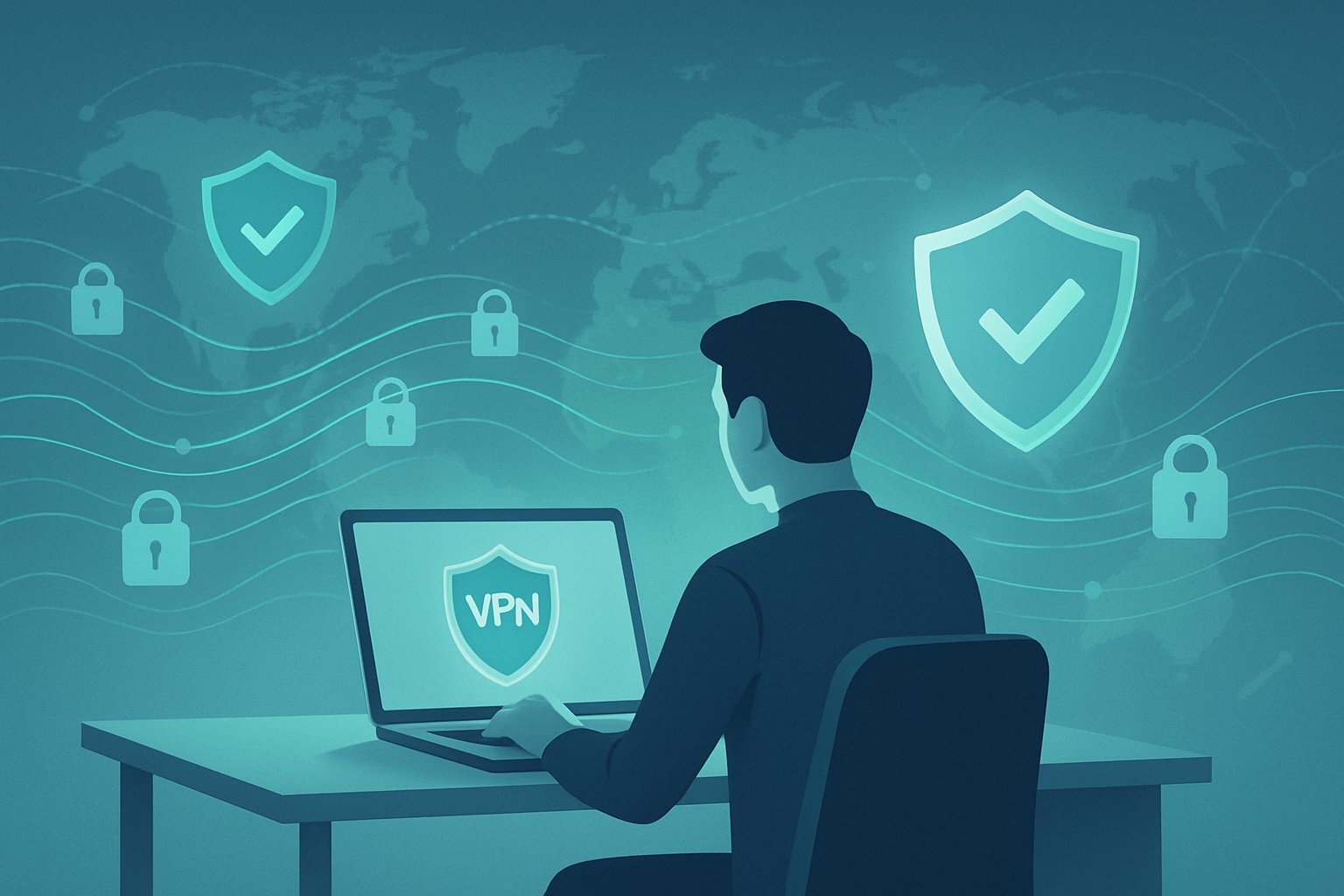
Using a VPN daily transforms how you interact with the internet by adding multiple layers of protection. It prevents third parties from monitoring your online behavior, stops trackers from building profiles about you, and secures your connection on vulnerable public Wi-Fi networks. The technology also enables access to content that may be restricted based on geographic location while maintaining anonymity.
The difference between protected and exposed browsing is significant. Those who use VPNs maintain control over their digital footprint and reduce their vulnerability to data breaches, targeted advertising, and unauthorized surveillance. Those who don’t remain visible to anyone monitoring internet traffic, leaving their sensitive information accessible to various entities with different motivations.
Key Takeaways
- VPNs encrypt internet traffic and mask IP addresses to prevent tracking and surveillance of online activities
- Secure server connections protect sensitive data from interception on public Wi-Fi and other vulnerable networks
- Daily VPN usage enables safe access to restricted content while maintaining anonymity and reducing data exploitation risks
The Critical Role of VPNs in Online Privacy
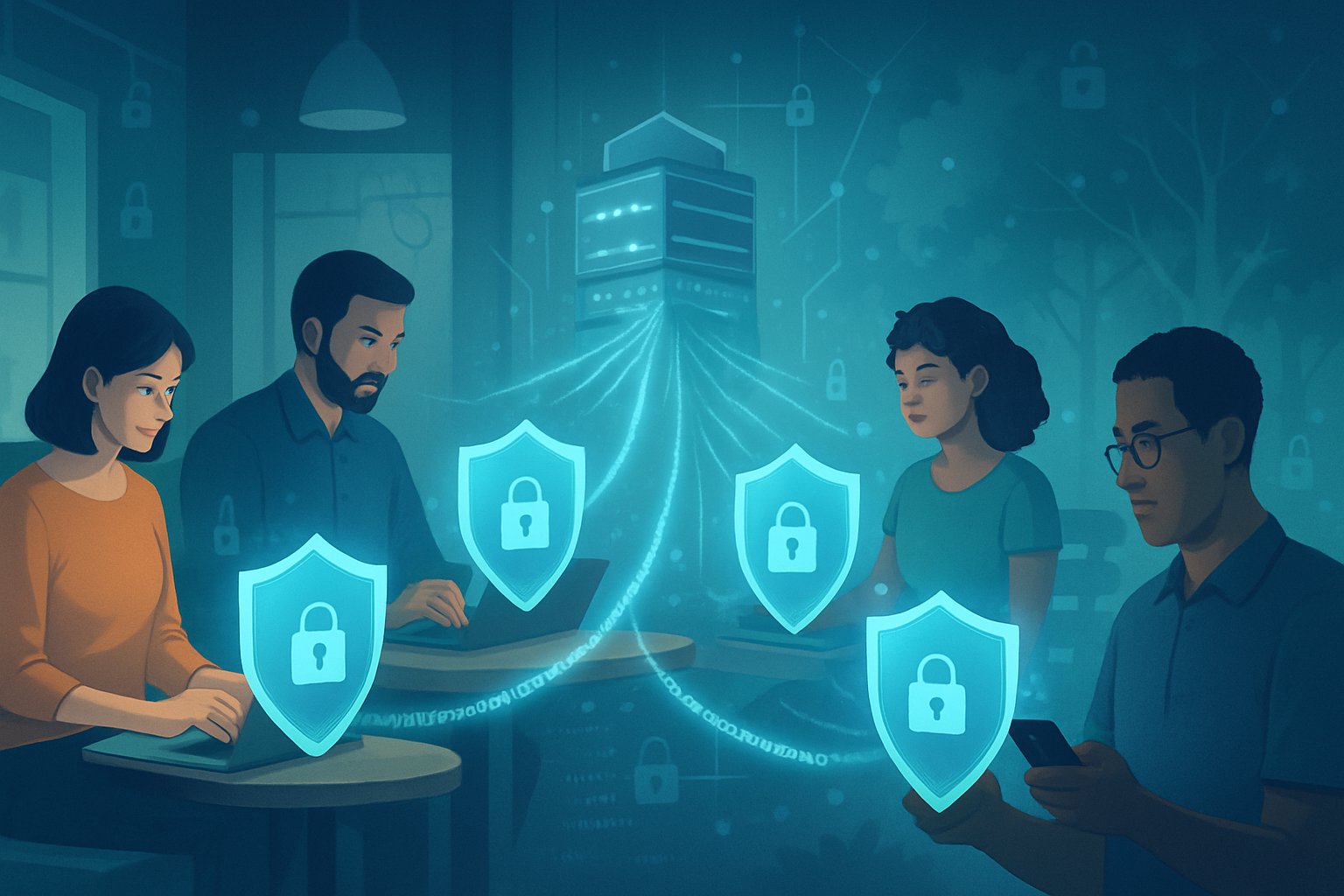
Virtual private networks establish encrypted connections that fundamentally transform how personal data moves across the internet, creating barriers against tracking systems while enabling users to maintain control over their digital footprint through IP masking and secure server routing.
Why Daily VPN Use Shields Your Digital Activity
A VPN connection encrypts all internet traffic before it leaves a device, converting readable data into coded information that third parties cannot decipher. This encryption applies to browsing history, login credentials, financial transactions, and communication content. Without this protection, internet service providers, advertisers, and malicious actors can monitor online activities in real-time.
Daily VPN service usage prevents the accumulation of detailed activity profiles that organizations build over time. Trackers embedded in websites typically follow users across platforms, collecting behavioral data to create comprehensive digital profiles. When a virtual private network masks the originating IP address and encrypts traffic, these tracking mechanisms lose their ability to associate activities with specific individuals.
The consistency of daily use matters because sporadic VPN connections create gaps in protection. During unprotected sessions, data collection resumes, allowing partial profiles to form. Continuous encryption ensures that browsing patterns, search queries, and site visits remain private across all online sessions.
How Virtual Private Networks Prevent Data Exploitation
Data exploitation occurs when unauthorized parties access, sell, or misuse personal information gathered from unprotected internet connections. Public Wi-Fi networks present particular risks, as attackers can intercept unencrypted data transmitted between devices and routers. A VPN connection eliminates this vulnerability by creating an encrypted tunnel that shields data from interception attempts.
Common Data Exploitation Methods Blocked by VPNs:
- Packet sniffing: Capturing unencrypted data packets on shared networks
- Man-in-the-middle attacks: Intercepting communications between users and websites
- DNS hijacking: Redirecting traffic to fraudulent sites
- ISP data collection: Selling browsing histories to advertisers
VPN services prevent internet service providers from accessing detailed usage logs. Many ISPs collect and monetize customer data, selling browsing patterns to marketing firms. Encryption renders this data collection impossible, as providers see only encrypted traffic flowing to VPN servers rather than specific websites visited.
Online Anonymity and the Power of Masking Your IP Address
IP address masking replaces a user’s actual location identifier with the address of a remote VPN server. This substitution breaks the direct link between online actions and physical identity. Websites, advertisers, and data brokers see only the VPN server’s location rather than the user’s true geographical position or device identifier.
The anonymity provided by IP masking extends beyond simple location privacy. Many online platforms implement geo-restrictions based on IP addresses, limiting content access by region. Virtual private networks bypass these restrictions by routing connections through servers in approved locations, granting access to services otherwise unavailable.
Advertisers rely heavily on IP addresses to build targeting profiles and deliver location-specific content. When a virtual private network masks this information, ad networks lose a primary tracking mechanism. This disruption limits personalized advertising and reduces the data available for profile building, strengthening overall data privacy across browsing sessions.
How VPNs Work: Secure Servers and Data Encryption
VPN technology operates through a combination of secure servers that route internet traffic and encryption protocols that scramble data into unreadable formats. When a user connects to a VPN server, their device establishes an encrypted tunnel that protects all transmitted information from interception while simultaneously masking their actual IP address.
Establishing Encrypted Connections With VPN Servers
When a user initiates a VPN connection, their device communicates with a VPN server to create a secure tunnel for data transmission. This process begins with authentication, where the VPN server verifies the user’s credentials before allowing access to the network.
Once authenticated, the device and VPN server exchange encryption keys to establish a protected pathway. All internet traffic then flows through this encrypted connection rather than traveling directly to websites or online services. The VPN server acts as an intermediary, receiving encrypted data from the user’s device, decrypting it, and forwarding requests to the intended destination.
This encrypted tunnel remains active throughout the browsing session, continuously protecting data as it moves between the user’s device and the VPN server. The connection uses specific ports and protocols to maintain stability while ensuring that no third parties can access the transmitted information. If the connection drops unexpectedly, many VPN services include a kill switch feature that blocks internet access until the secure connection is reestablished.
Understanding What Happens When You Mask Your IP Address
The VPN server assigns the user a temporary IP address that replaces their actual address visible to websites and online services. This substitution means that websites see the VPN server’s location instead of the user’s genuine geographic position.
IP masking provides several practical benefits for users. Internet Service Providers cannot track which websites users visit because all traffic appears as a single encrypted stream to the VPN server. Advertisers lose the ability to build detailed profiles based on browsing behavior tied to a specific IP address. Websites in different regions become accessible because the temporary IP address makes it appear the user is connecting from the server’s location.
The masked IP address also prevents websites from using geolocation data to restrict content or adjust pricing. Users gain the ability to access their accounts and services while traveling without triggering security alerts that occur when logging in from unfamiliar locations.
The Importance of Encryption Protocols in VPN Security
Encryption protocols define the specific methods VPN services use to secure data transmission between devices and servers. OpenVPN and WireGuard represent two widely implemented protocols, each offering distinct advantages for different use cases.
OpenVPN uses strong encryption standards with 256-bit keys, making it extremely difficult for unauthorized parties to decrypt intercepted data. This protocol operates on multiple ports, allowing it to bypass network restrictions while maintaining security. WireGuard offers a more streamlined codebase with faster connection speeds while still providing robust data encryption.
The strength of encryption directly impacts the level of protection users receive. Strong encryption protocols transform readable data into complex ciphertext that would require massive computational resources to crack. Most secure servers implement AES-256 encryption, the same standard used by government agencies and financial institutions.
Different encryption protocols balance security strength with connection speed. Users accessing sensitive information require protocols that prioritize maximum encryption, while those streaming content may prefer protocols optimized for faster data transmission without compromising essential security features.
Safeguarding Against Trackers, Surveillance, and Data Collection
Trackers collect browsing data across websites while surveillance systems monitor network traffic, but strategic tools and practices can block both effectively. Users can deploy ad blockers, configure VPNs properly, and minimize identifying information to reduce exposure to data collection and monitoring.
Blocking Trackers and Enhancing Privacy
Web trackers follow users across sites to build detailed profiles of browsing habits, interests, and behaviors. These tracking mechanisms include cookies, fingerprinting scripts, and invisible pixels that transmit data to third parties without explicit consent.
Browser extensions like uBlock Origin and Ghostery identify and block these trackers before they load. uBlock Origin functions as both an ad blocker and comprehensive content filter, preventing tracking scripts from executing. Ghostery provides visibility into which companies are tracking activity on each page.
Privacy-focused browsers such as Brave include built-in tracker blocking without requiring additional extensions. Firefox offers Enhanced Tracking Protection that blocks cross-site cookies and cryptominers by default.
Effective tracker blocking requires multiple layers:
- Browser extensions that filter requests
- DNS-level blocking through services like NextDNS
- Regular clearing of cookies and cache
- Disabling third-party cookies in browser settings
Combined with VPN encryption, these tools prevent advertisers and data brokers from assembling comprehensive user profiles for targeted advertising or sale to other entities.
Defending Against ISP and Government Surveillance
Internet service providers log browsing history, connection timestamps, and destination addresses by default. Government agencies can access this metadata through legal channels or mass surveillance programs.
VPNs encrypt all traffic between devices and VPN servers, making the content invisible to ISPs. The ISP sees only encrypted data flowing to the VPN provider’s IP address, not the actual websites visited or content accessed.
Protection against surveillance requires selecting VPN providers with specific characteristics:
| Feature | Purpose |
|---|---|
| No-logs policy | Prevents retention of user activity |
| RAM-only servers | Ensures no data persists after restart |
| Jurisdiction outside surveillance alliances | Reduces legal pressure for data sharing |
| Independent audits | Verifies claimed privacy practices |
DNS requests can leak identifying information even with VPN protection active. Configuring DNS over HTTPS (DoH) or DNS over TLS (DoT) encrypts these queries, preventing ISPs from tracking sites through DNS lookups.
The combination of VPN encryption and secure DNS protocols creates a barrier against both commercial tracking and government monitoring of online activities.
Reducing Digital Footprints for Greater Online Security
Digital footprints consist of all traceable actions, accounts, and information left across the internet. A smaller footprint reduces exposure to cyber threats including identity theft, targeted attacks, and unauthorized profiling.
Account minimization involves regularly auditing and deleting unused online accounts that store personal information. Data broker sites aggregate and sell personal details, but opt-out requests force removal from their databases.
Using unique email aliases for different services prevents cross-platform tracking. Services like SimpleLogin or AnonAddy generate forwarding addresses that mask the primary email while maintaining functionality.
Key practices for footprint reduction:
- Avoid linking accounts through social login features
- Use different usernames across platforms
- Disable location tracking in apps and browsers
- Review and restrict app permissions regularly
Payment privacy matters for cybersecurity as financial data attracts cybercriminals. Virtual payment cards generate unique numbers for each transaction, isolating breaches to single vendors rather than exposing primary accounts.
Search engines like DuckDuckGo don’t store search history or personalize results based on past behavior. This prevents the accumulation of search data that reveals interests, health concerns, and personal situations. Combined with VPN protection, private search engines eliminate a major source of data collection used for profiling and targeting.
Protecting Sensitive Data on Public Wi-Fi Networks
Public networks create openings for attackers to intercept login credentials and personal information, while VPNs establish encrypted tunnels that shield data from unauthorized access and enable secure remote access even on compromised connections.
Risks of Using Public Wi-Fi Without a VPN
Unprotected public networks allow hackers to position themselves between users and connection points. This setup enables attackers to capture passwords, credit card details, and email contents as data travels across the network. Man-in-the-middle attacks account for a significant portion of breaches on public networks.
Cybercriminals also deploy fake hotspots with names like “Free_Airport_WiFi” or “Coffee_Shop_Guest” to trick users into connecting. Once connected, every action becomes visible to the attacker. Banking transactions, email logins, and social media activity all transmit in readable formats without encryption.
Common threats include:
- Packet sniffing: Attackers capture data packets containing login credentials
- Session hijacking: Hackers steal active session cookies to access accounts
- Malware injection: Compromised networks push malicious software to connected devices
- Unencrypted connections: HTTP websites expose all transmitted information
File sharing settings and auto-connect features compound these vulnerabilities by automatically linking devices to potentially dangerous networks.
How VPNs Prevent Wi-Fi Eavesdropping and Data Theft
A VPN creates an encrypted tunnel between the user’s device and a secure server before data reaches the public network. This encryption renders intercepted information unreadable to attackers monitoring network traffic. Studies indicate VPN usage reduces data theft risk by 90% on public connections.
The technology masks IP addresses and routes traffic through private servers, making user activities invisible to network administrators and malicious actors. Even if hackers intercept the data stream, they receive only encrypted code rather than readable information.
VPN protection mechanisms:
| Security Feature | Function |
|---|---|
| AES-256 Encryption | Military-grade scrambling of all data packets |
| IP Masking | Hides actual location and identity |
| Secure Protocols | Establishes protected pathways for data transmission |
| DNS Leak Protection | Prevents exposure of browsing requests |
For maximum data security, users should activate their VPN before connecting to any public network. This ensures login credentials and sensitive transactions remain protected throughout the entire session. Reputable VPN services maintain no-logs policies and offer kill switches that disconnect internet access if encryption fails.
Accessing Restricted Content and Bypassing Geo-Restrictions
VPNs enable users to access content libraries and websites that are otherwise blocked based on location, while also providing a method to circumvent internet censorship imposed by governments or institutions.
Unblocking Streaming Services and Global Content
Streaming services implement geographical restrictions to comply with licensing agreements that vary by country. Netflix, Disney+, HBO Max, and BBC iPlayer maintain different content libraries depending on the viewer’s location. A user in Canada cannot access the same Netflix catalog available in Japan or the United Kingdom without appearing to browse from those regions.
VPNs solve this problem by masking the user’s real IP address with one from a server in the desired country. When someone connects to a VPN server in the United States, streaming platforms detect the American IP address and grant access to the US content library. The same principle applies to accessing UK-exclusive services like BBC iPlayer or sports broadcasts locked to specific regions.
The effectiveness depends on the VPN’s server network size and ability to avoid detection. Major streaming platforms actively block known VPN IP addresses, so services with regularly updated server lists perform better. Users should select VPN providers with servers in 50+ countries and dedicated streaming-optimized connections for reliable access.
Bypassing Internet Censorship with VPNs
Governments and organizations block access to specific websites, social media platforms, and communication tools based on location or network. China restricts Facebook, Google, and YouTube. Some workplaces block streaming sites and messaging apps.
VPNs encrypt internet traffic and route it through servers outside the restricted network or country. This prevents censors from seeing which websites the user visits and makes the traffic appear to originate from an unrestricted location. A person in a country blocking Twitter can connect to a VPN server in a different nation where the platform operates freely.
The encryption component is critical for bypassing deep packet inspection, a technique censors use to identify and block VPN traffic. VPNs with obfuscation features disguise VPN traffic as regular HTTPS connections, making it harder to detect and block.
Changing Server Locations for Private and Safe Browsing
VPN servers in different countries offer varying levels of privacy protection and content access. Users can switch server locations based on their specific needs at any given time.
Connecting to a server in Switzerland provides strong privacy protections due to favorable data laws. Switching to a Japanese server unlocks anime content unavailable elsewhere. A UK server grants access to British television programming.
Common Server Location Uses:
| Server Location | Primary Benefit |
|---|---|
| United States | Largest content libraries, US-based services |
| United Kingdom | British TV, BBC iPlayer, UK sports |
| Switzerland | Strong privacy laws, secure banking |
| Japan | Exclusive anime, Japanese streaming services |
Most VPN applications allow users to change server locations with a few clicks. This flexibility means someone can browse privately from a Swiss server in the morning, then switch to a US server to stream American content in the evening. The ability to change locations quickly provides both privacy benefits and access to global content without restrictions.
Choosing and Using the Right VPN for Everyday Security
Selecting a VPN service requires understanding key privacy features, comparing providers based on security standards, and implementing proper daily usage habits to maintain consistent protection.
Evaluating VPN Services and Providers
The market offers dozens of VPN providers, but quality varies significantly between services. Users should prioritize providers with transparent ownership structures and clear privacy policies that specify jurisdiction and data handling practices.
Paid VPN services typically offer better security than free alternatives. Free VPNs often monetize through data collection or ad injections, undermining the privacy they claim to provide. A reliable paid VPN costs between $3 and $12 monthly, with longer subscription terms offering better value.
Server distribution matters for both speed and access. Providers with servers in 50+ countries give users more options for bypassing geographic restrictions and connecting to nearby locations for better performance. Physical servers generally outperform virtual servers in speed tests.
Independent security audits verify a provider’s claims. Companies like Proton VPN, NordVPN, and ExpressVPN undergo regular third-party audits, with published results demonstrating their commitment to security standards. Look for providers that use RAM-only servers, which erase all data upon reboot.
Key Features: No-Logs Policy, Kill Switch, and Split Tunneling
A no-logs policy ensures the VPN provider doesn’t record browsing history, connection timestamps, IP addresses, or traffic data. This policy becomes critical if authorities request user information—providers can’t share data they don’t collect. Verify this policy through published audit reports rather than marketing claims.
The kill switch cuts internet access automatically if the VPN connection drops unexpectedly. Without this feature, the device reverts to the regular internet connection, exposing the real IP address and unencrypted traffic. Both system-level and app-level kill switches exist, with system-level offering more comprehensive protection.
Split tunneling allows users to route specific apps or websites through the VPN while others use the regular connection. This feature proves useful when accessing local banking apps that block VPN connections or when streaming services require VPN usage for privacy but direct connections for local content.
Modern VPN software should support WireGuard or proprietary protocols built on WolfSSL, both offering faster speeds than older OpenVPN implementations. Connection speed typically decreases by 10-30% when using a VPN, but quality providers minimize this impact through optimized server infrastructure.
Best Practices for Daily VPN Usage
Enable the VPN app to launch automatically at system startup and connect immediately. This ensures protection before any data leaves the device. Most VPN software includes this option in settings under “Auto-connect” or “Launch on startup.”
Connect to servers geographically close to your actual location when speed matters most. A server 500 miles away typically maintains better connection speeds than one across continents. Reserve distant server connections for accessing region-specific content.
Regularly update the VPN app to receive security patches and protocol improvements. Outdated VPN software may contain vulnerabilities that compromise privacy protections. Enable automatic updates when available.
Test for DNS leaks monthly using free online tools. Despite using a VPN, misconfigured settings can leak DNS requests to the ISP. VPN providers often include built-in DNS leak protection, but verification confirms proper function.
Use different servers when accessing sensitive accounts versus casual browsing. Rotating servers reduces the risk of persistent tracking through consistent IP patterns.
Troubleshooting Common VPN Issues
Slow connection speeds often result from server congestion or distance. Switch to a different server in the same region or connect during off-peak hours. Some VPN providers display server load percentages—choose servers below 70% capacity for optimal performance.
Streaming services blocking VPN connections require dedicated streaming servers. Many VPN providers maintain specific servers optimized for platforms like Netflix or BBC iPlayer. Contact customer support for current server recommendations, as streaming services continuously update their detection methods.
Connection drops indicate network instability or aggressive firewall settings. Enable the kill switch, switch VPN protocols (try WireGuard if using OpenVPN), or adjust MTU settings in advanced configurations. Corporate and public networks often block standard VPN ports—use obfuscated servers or port 443 to bypass these restrictions.
Apps refusing to work with active VPN connections need split tunneling configuration. Add these apps to the exclusion list so they use the direct internet connection while other traffic remains protected. Banking apps, local government services, and some multiplayer games commonly require this adjustment.
Authentication failures typically stem from expired subscriptions or incorrect credentials. Verify account status through the provider’s website and reset passwords if needed. Multiple failed login attempts may temporarily lock accounts as a security measure.