Digital workspaces are under constant threat from cybercriminals who look for weak authentication and unprotected devices. Relying only on software leaves some pretty big holes in your security—openings for data breaches, unauthorized access, and identity theft.
Physical security peripherals like biometric readers, hardware encryption keys, and privacy screens put up real-world barriers that stop attackers from getting at sensitive data, whether that’s by plugging into your device or just glancing over your shoulder.
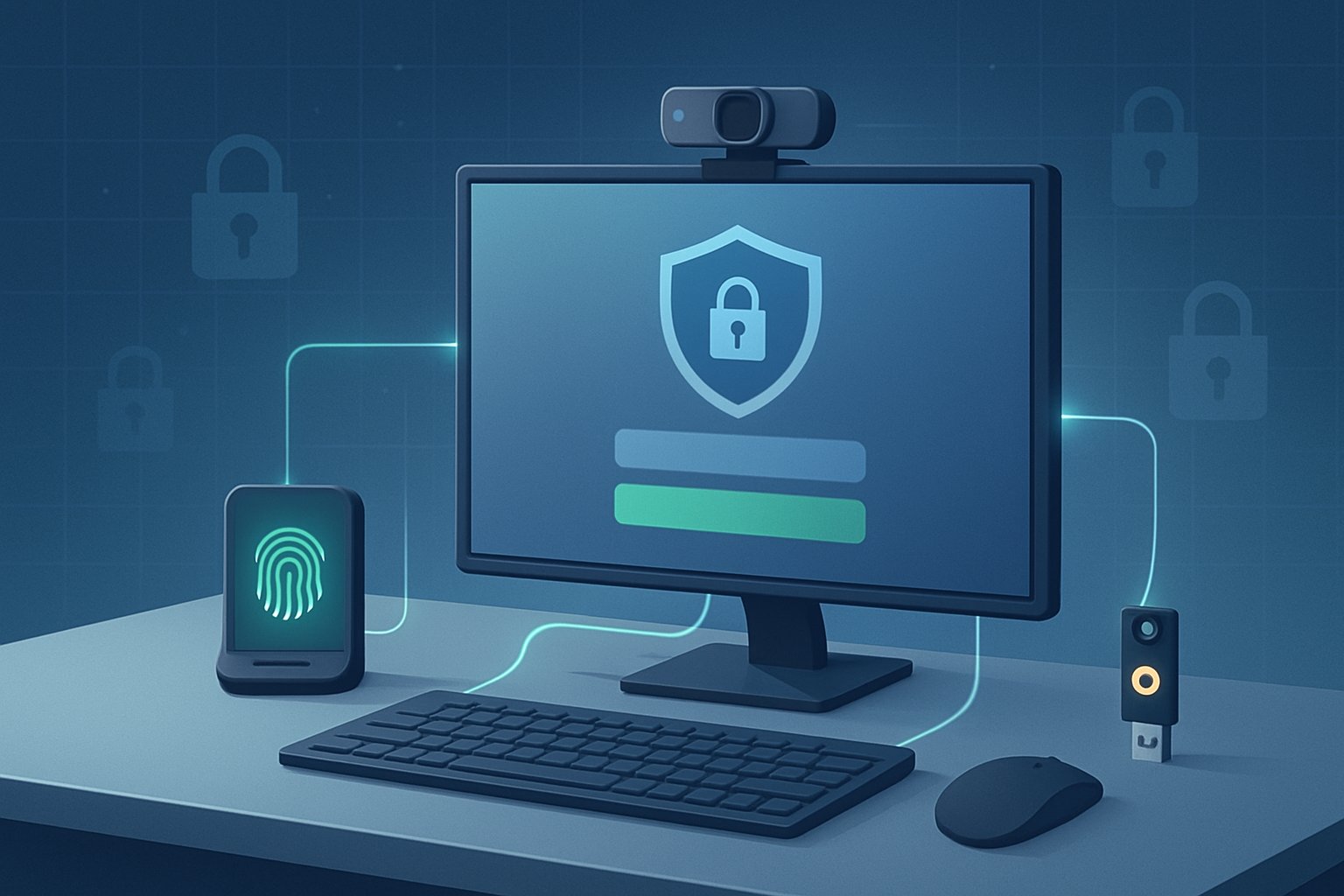
Adding security hardware to your setup turns basic protection into a more complete defense. Biometric authentication devices check your identity using physical traits that can’t be copied like a password.
Hardware encryption keys keep credentials locked down, away from your main system. Privacy screens block visual hacking, especially in public spaces.
These physical layers work with software protections to cover the gaps digital-only solutions just can’t handle.
Deploying security peripherals gives organizations instant protection against common attacks. Plus, it helps meet those ever-present regulatory requirements.
Stacking biometric verification, encryption devices, and privacy tools makes breaking in a lot harder for would-be intruders.
Knowing which security peripherals to use—and how to roll them out—can make the difference between a secure workspace and a prime target.
Key Takeaways
- Security peripherals offer physical protection where software falls short, especially against device access and visual snooping.
- Biometric readers, hardware encryption keys, and privacy screens add layered defenses that keep sensitive data off-limits.
- Rolling out physical security hardware helps organizations stay compliant and shields both personal and business info.
Implementing Security Peripherals for Digital Protection
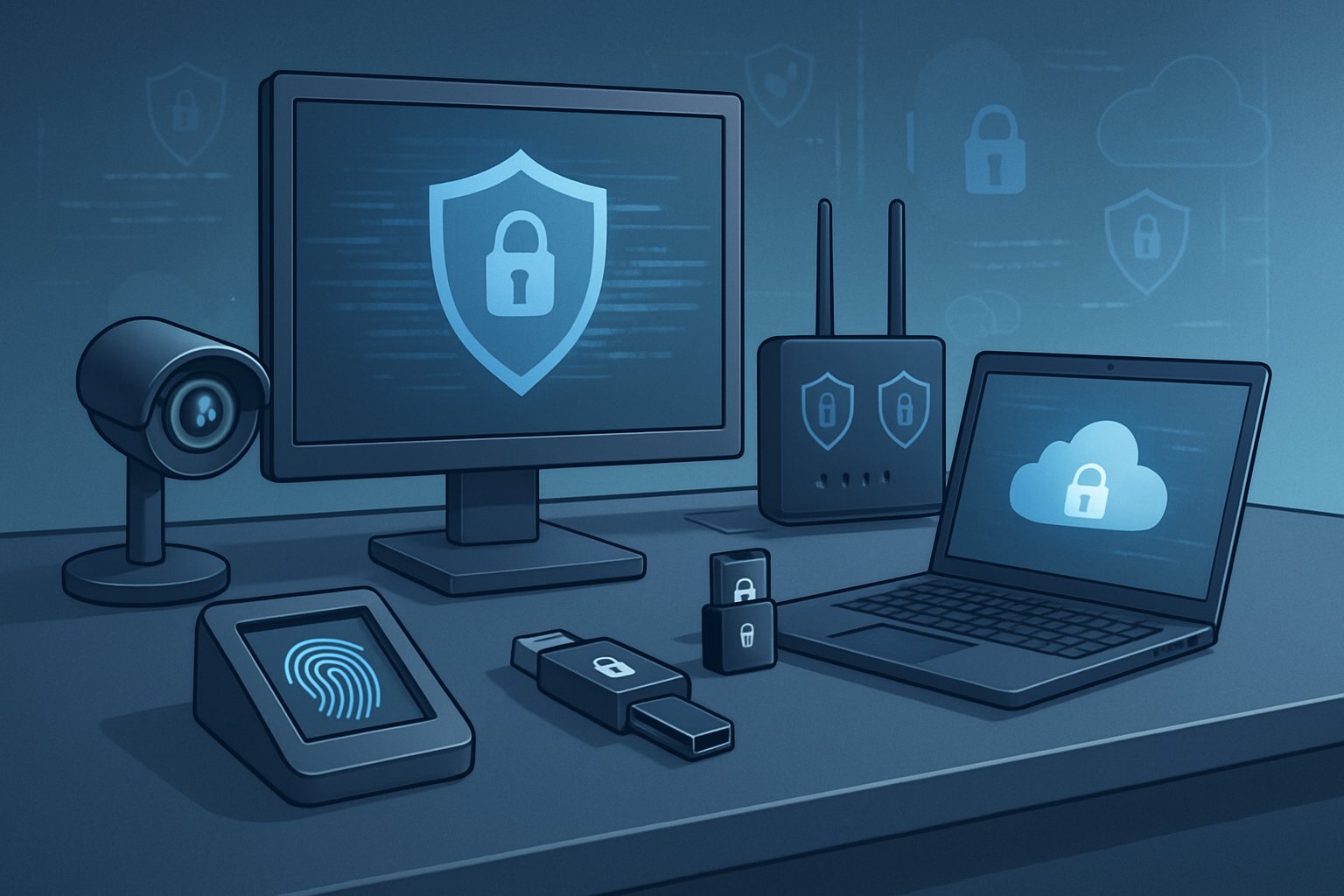
Security peripherals build a physical wall against unauthorized access. Specialized hardware authenticates users, encrypts data, and keeps prying eyes away from sensitive information.
Organizations that use these devices add layers of protection that pure software just can’t match.
Biometric Readers for Strong Authentication
Biometric authentication leans on unique physical traits—like fingerprints or your face—to prove you’re really you. It’s just a stronger option than passwords, hands down.
Fingerprints and facial recognition are the big players here, scanning features that don’t change much over time.
Modern biometric readers don’t actually store your fingerprint or face. They keep an encrypted mathematical template—a sort of digital fingerprint of your fingerprint.
This keeps your privacy intact while making quick verification possible. When you scan in, the system checks your live scan against the template and lets you in only if it matches closely enough.
Key Biometric Implementation Factors:
- False rejection rates: Good readers keep errors under 1%—you want security, but not constant lockouts.
- Spoof detection: Top-tier sensors can spot fake prints or photos.
- Template encryption: Hardware-level locks keep your biometric data safe from theft.
- Multi-modal systems: Using both fingerprints and facial recognition? That ups the accuracy.
Organizations should hook up biometric readers to their current access systems. You’ll see desktop fingerprint scanners plugged in via USB, and facial recognition cameras perched near monitors or doors.
IT teams should set these to require biometric checks for logging in, opening apps, or even getting through the front door.
Deploying Hardware Encryption Keys
Hardware encryption keys hold cryptographic credentials in tamper-resistant devices. Even if a computer gets hacked, the keys can’t be pried out.
These keys support 2FA and MFA, so you need both the physical device and your password to get in.
USB security keys—think FIDO2—let you log in without a password across all sorts of platforms. You insert the key, press a button, and it signs the request with a private key that never leaves the device.
Phishing attacks? Not much use if the attacker doesn’t have your physical key.
Organizations should always buy backup keys for each user. Admins register keys to user accounts via identity management systems.
Users tap or plug in their keys when logging in or accessing encrypted files.
Smart cards with chips offer similar protection, especially where proximity-based authentication is needed. They can handle door access and computer logins at the same time.
Enhancing Privacy with Physical Privacy Screens
Privacy screens stick to monitors with adhesive or slide-on frames. They use micro-louver tech to shrink the viewing angle to about 60 degrees.
Anyone off to the side just sees a dark screen—no more shoulder surfing in airports or coffee shops.
Screen filters keep things clear for you but block peeping Toms. If you handle financial info, health records, or trade secrets, privacy screens are a must.
They also cut blue light and screen glare—nice bonus.
IT teams should match privacy screen sizes to their devices. Removable filters work best for shared workstations. Permanent ones are better for dedicated terminals.
Anyone working remotely in public should pop on a privacy screen before logging into company systems.
Selecting and Integrating Authentication Devices
Authentication devices need to fit your organization’s existing tech and security needs. IT teams should check for compatibility with operating systems, identity platforms, and access controls before buying anything.
Selection Criteria:
| Factor | Consideration |
|---|---|
| Protocol Support | FIDO2, smart card (PIV/CAC), OATH |
| Connection Type | USB-A, USB-C, NFC, Bluetooth |
| Management | Centralized enrollment and revocation |
| Durability | Water resistance, shock protection |
Rolling out authentication devices in phases works best. Start with high-risk users or those with access to critical systems.
Admins should use device management software to register keys, track usage, and remotely disable lost devices. Users need a bit of training—how to handle, store, and back up their devices.
Registration systems should let users enroll more than one device, in case the main key goes missing.
Achieving Compliance and Comprehensive Data Security
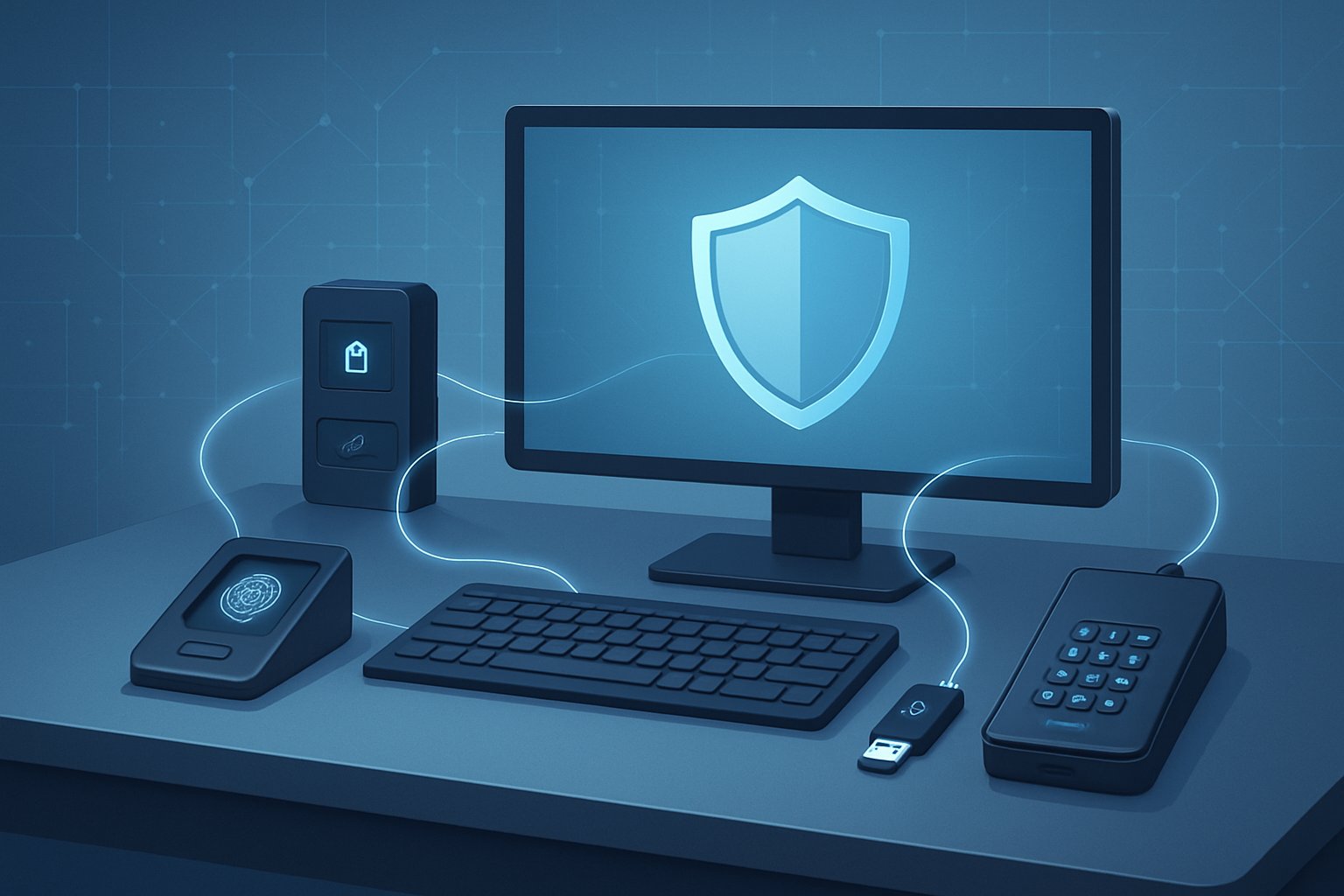
Hardware-based security peripherals set up measurable compliance frameworks. They also help keep up with evolving cyber threats by enabling continuous monitoring and verification.
Data Protection and Hardware-Based Security
Hardware encryption keys and biometric readers put up physical blocks that stop unauthorized data access at the endpoint. These devices encrypt sensitive info before it even leaves your computer, so even if network security fails, your data’s still locked up.
Hardware security modules (HSMs) keep cryptographic keys inside tamper-resistant chips, only activating if you’re verified.
Privacy screens are a must in shared workspaces, where confidential data might be visible on a monitor. Biometric readers sidestep password leaks by requiring fingerprints, faces, or even iris scans—stuff you just can’t share or steal like a password.
Hardware tokens generate time-based codes for multi-factor authentication.
Key Hardware Security Components:
| Device Type | Protection Function | Compliance Impact |
|---|---|---|
| Biometric readers | Identity verification | Access control standards |
| Hardware encryption keys | Data-at-rest protection | Encryption requirements |
| Privacy screens | Visual data shielding | Physical security protocols |
| Security tokens | Multi-factor authentication | Authentication mandates |
Meeting Regulatory Requirements and Standards
Compliance frameworks demand documented security controls. Hardware peripherals make this easier by providing verifiable authentication and encryption.
GDPR, HIPAA, and SOC 2 all require specific protections for personal data—biometric authentication and hardware encryption are direct answers to those demands.
If you’re using AWS or another cloud platform, you’ll need endpoint security that works with your infrastructure controls. Hardware encryption keeps data safe before it heads to the cloud, and security keys provide that extra authentication factor compliance often requires.
For UAT (User Acceptance Testing), security peripherals let you keep production-level protections in place, even during testing. Hardware tokens create audit trails, showing exactly who accessed what during those phases.
Regulatory auditors look for these physical security measures as proof you’re taking data protection seriously.
Monitoring, Logging, and Ongoing Threat Detection
Security peripherals generate detailed logs that track authentication attempts and device usage patterns. They also record access times for compliance reporting.
Biometric readers log failed authentication attempts, which could be a sign of someone trying to get in without permission. Hardware encryption keys keep track of when decryption happens and who kicked off the process.
Organizations usually tie these peripheral logs into centralized monitoring systems to spot odd activity as it happens. For example, if there are failed biometric scans from weird locations, the system throws up instant alerts.
Multiple password failures on hardware tokens? That’s a red flag and probably means someone needs to look into it.
Logs pile up over time, which helps later on if something goes wrong and you need to figure out what happened. These logs also help tick boxes for regulatory requirements around access documentation.
A lot of organizations export their logs to SIEM platforms, connecting the dots between peripheral data and network activity. This kind of monitoring sometimes uncovers cases where legit credentials are used at strange hours or from unexpected devices—maybe a sign that an account’s been compromised before things get worse.